My Role
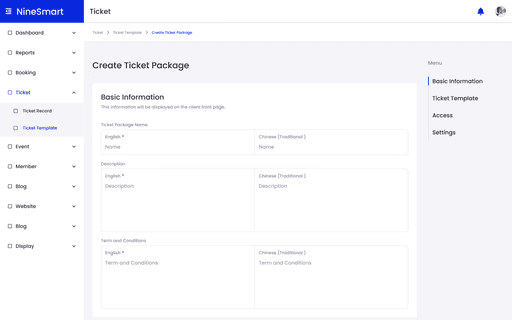
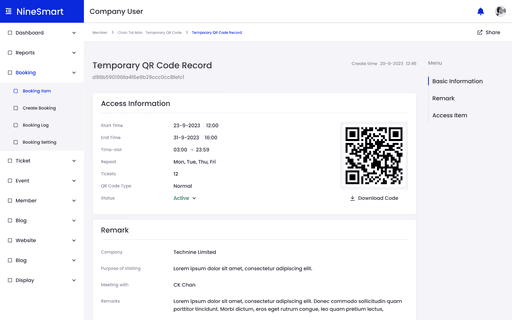
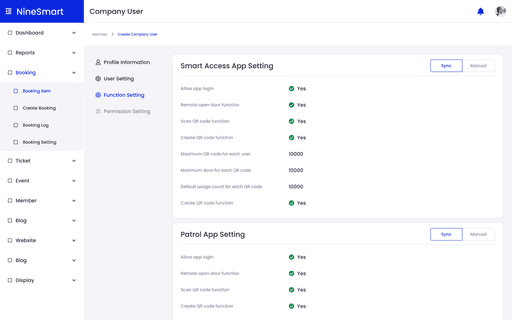
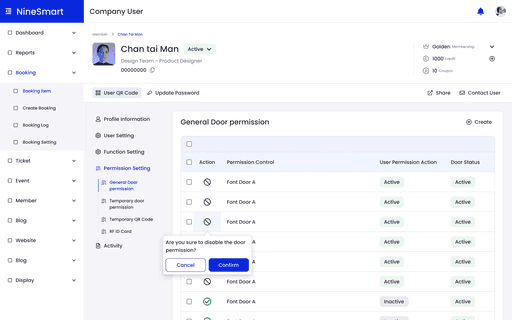
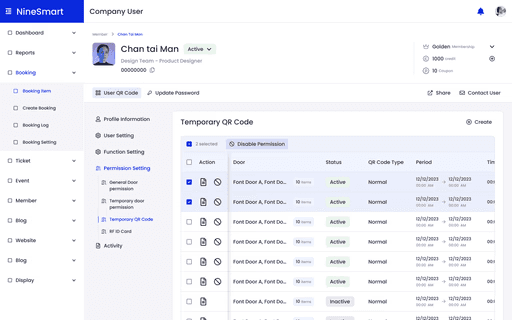
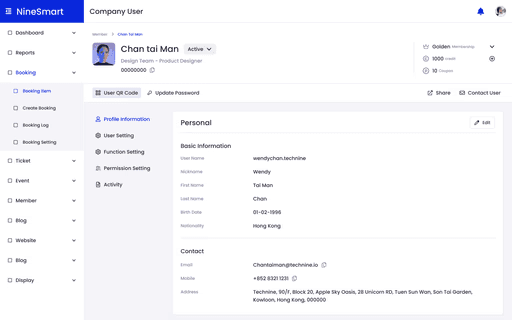
AMS serves as the backend management system for the entire NineSmart Product suite, with all five other products connecting to this central system.
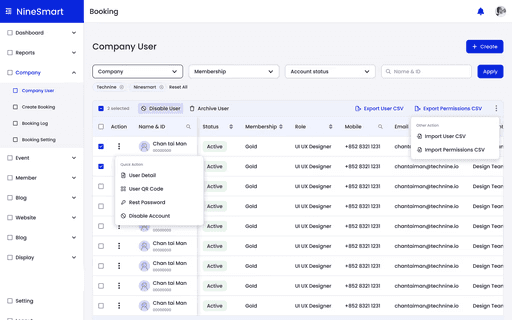
The table element is the most frequently used and critical component in our system. I led the comprehensive analysis of existing tables and developed a customized table system that works seamlessly across all functions.


Through thorough discussions and data analysis with product managers and developers, we identified several pain points that required optimization.
Benchmarking for Best Practices
During this research, I highlighted reusable UI components that were most relevant to our booking system, taking detailed notes on how other platforms handle complex data types, sorting, filtering, inline editing, and responsiveness. These insights provided a strong foundation for defining our own design principles.
Defining UX Considerations
Next, I synthesized my findings into a list of key UX considerations for data tables, covering aspects such as:
Content hierarchy
(labeling, column grouping)
Alignment and spacing
(visual rhythm and readability)
Copywriting and tone
(clarity, actionability)
This helped me identify opportunities to improve clarity, reduce cognitive load, and increase efficiency for admin users managing large volumes of data.
Finally, I collaborated closely with the R&D team to validate this system, ensuring that the proposed structure aligned with the technical architecture and real data structure. The guideline became a shared reference that informed both front-end development and future design iterations.
We implemented a comprehensive approach to address these challenges.
1.Data Type Standardization
We marked clear properties for each category and defined specific attributes, enabling team members to quickly locate the correct components for their table needs.
🐛
Transforming the unstructured table system
🦋
Well-organized table and data type catalog.
2.Component Library Development
With customizable table elements. For each Table Element, I developed a fully-featured version that could be simplified by adding or removing functions as needed for different scenarios.
🎉
Easily modifiable Figma components
🎉
Clear handover instructions for developers
🎉
Design considerations for all scenarios
3.Component Library Development
With customizable table elements. For each Table Element, I developed a fully-featured version that could be simplified by adding or removing functions as needed for different scenarios.
🌟
Advanced filter and search
🌟
Batch processing function
🌟
Document export
🌟
Customized Table display
4.Integration with Ant Design Library
We chose to use the Ant Design Library as our table design system foundation to optimize efficiency and results.
This library allowed us to customize both visual design and functionality while creating a more flexible Table component.
🌟
Simplifies the development process
🌟
Ensure the deliverable quality
This successful revamp not resolved the table component issues but also established a foundation for system-wide improvements for all the NineSmart product.